

@codspeedbot in any
pull request comment, issue comment, or review comment for ongoing
performance work.
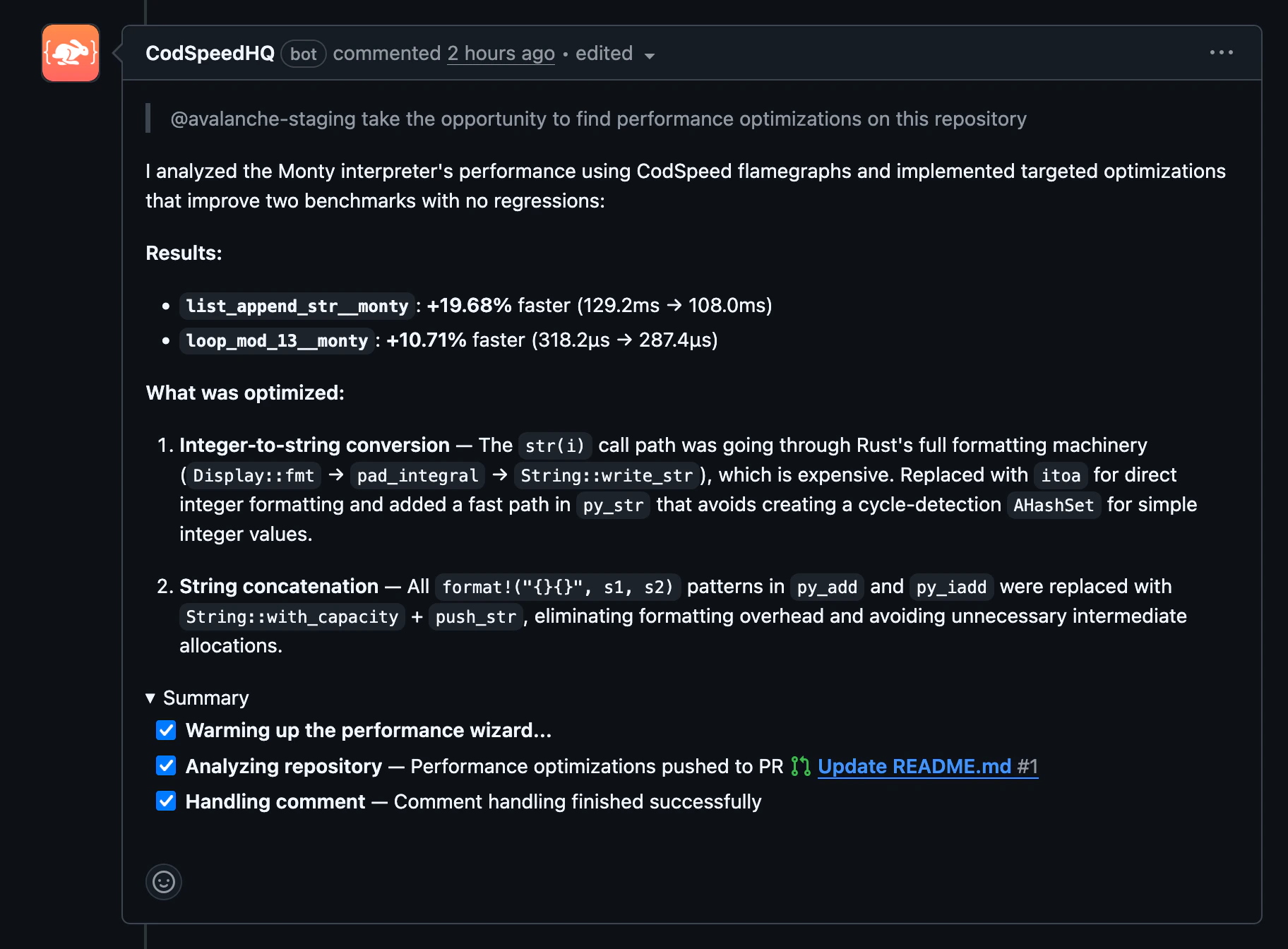
@codspeedbot responding to a GitHub pull request comment with a performance breakdown and proposed fix
Example usage
-
Performance breakdown: ask for a summary of how a branch or pull request
affects performance.
-
Explain a regression: ask the Wizard to investigate why a benchmark
regressed and describe the root cause.
-
Propose a fix: ask the Wizard to investigate a regression and open a pull
request with a targeted fix.
-
Add benchmarks: request benchmarks for a specific function or module.
@codspeedbot requires the CodSpeed GitHub App to be installed on your
repository. If you used the dashboard Wizard for initial setup, the app is
already installed.The Wizard is enabled by default on all accounts and organizations, but can be
disabled by an admin in the settings.
Next steps

MCP Server
Connect AI coding assistants to your CodSpeed performance data directly from
your editor.
Agent Skills
Teach AI assistants to set up benchmarks and optimize performance
autonomously.