Learn how to enable performance safeguards in your project
CodSpeed provides a performance status check to your branches and pull
requests. The status of this check is based on the performance change between
the current branch and your main branch (and the project’s
regression threshold).You can configure the performance check to fail if the performance metrics of a
branch or pull request are overshooting your regression threshold. Thus,
blocking the pull request from being merged if the performance issue is
neither fixed nor acknowledged.
Once your project has run at least one benchmark, go to your repository’s settings on GitHub.
2
Navigate to branch protection
Under the Code and automation section, open the Branches tab.
3
Configure branch protection rule
Add a new branch protection rule or update the one already protecting your
main branch.
4
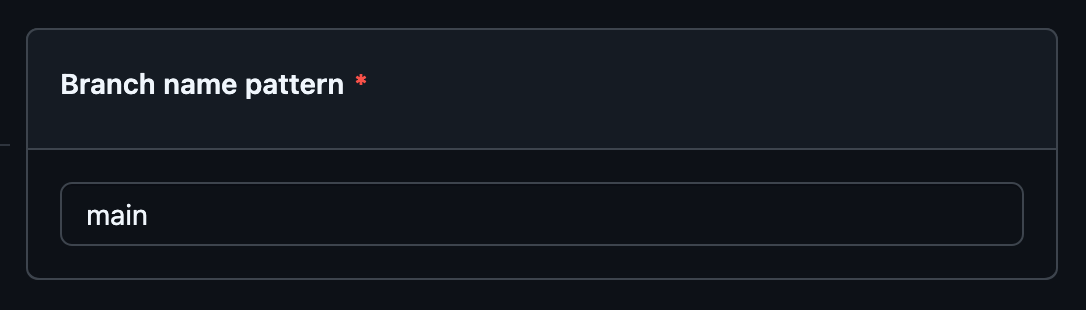
Set branch name pattern
In the branch name pattern field, enter the name of your default branch
5
Enable status checks requirement
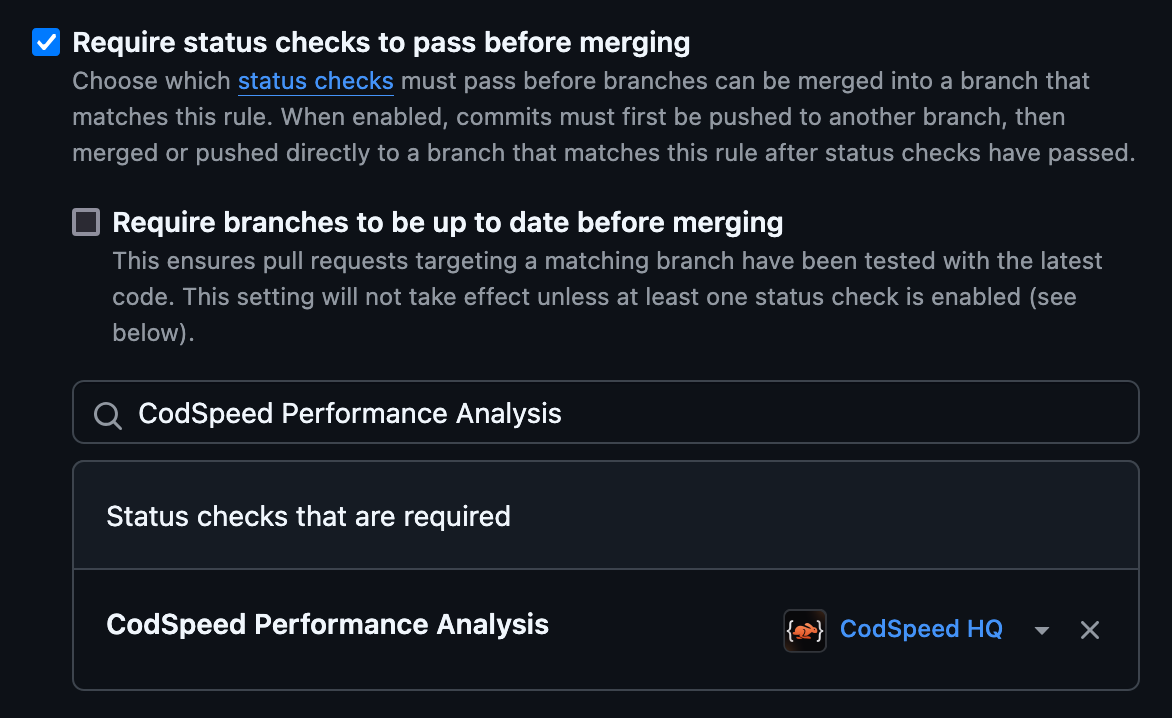
Tick the Require status checks to pass before merging checkbox.
6
Add CodSpeed status check
Under this section, search for CodSpeed Performance Analysis and click on the item to enable the check:
7
Save changes
Save the changes and you’re done! 🎉 Your performance checks are now
configured and will run on future pull requests, preventing you from merging
pull requests that introduce performance regressions.
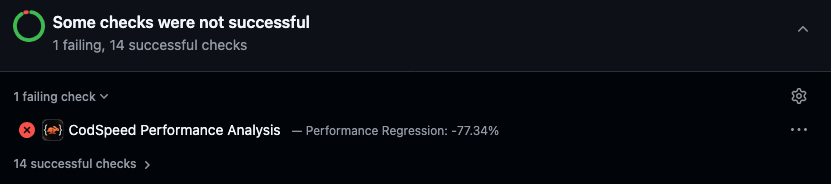
Pull Request Checks failing because of the performance regression
If you’re aware of performance issues that are not yet fixed or were totally
intentional, you can acknowledge them to prevent the performance check from
failing.
Acknowledgement Permission: When working with an organization’s
repository, only admins are allowed to acknowledge regressions.
Once all the regressions are fixed or acknowledged, the performance check will
pass and you can safely merge your pull request while being aware of your
performance issues.
First, head to the CodSpeed report (you can access it from the link in the
inline performance report or directly from your
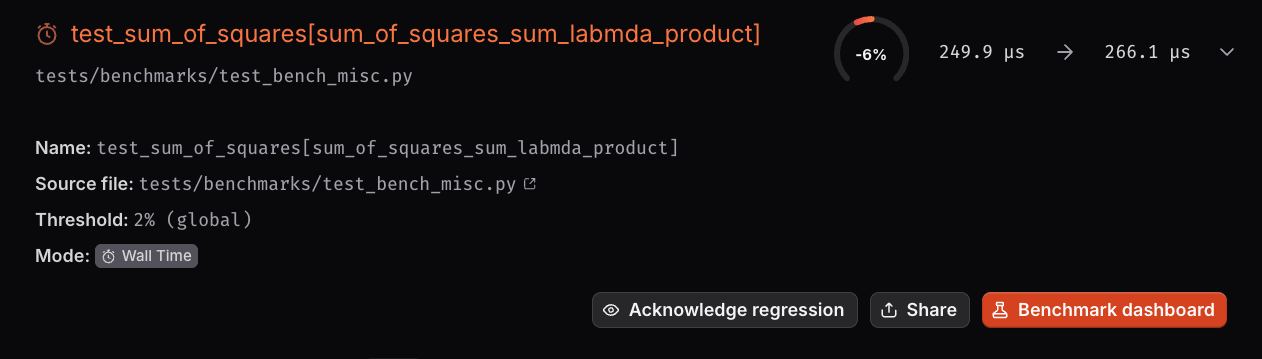
CodSpeed Dashboard).Then, go to the regressed benchmark you want to acknowledge:Click on the the benchmark to expand its content:
Click on the “Acknowledge regression” button and that’s it 🎉 :
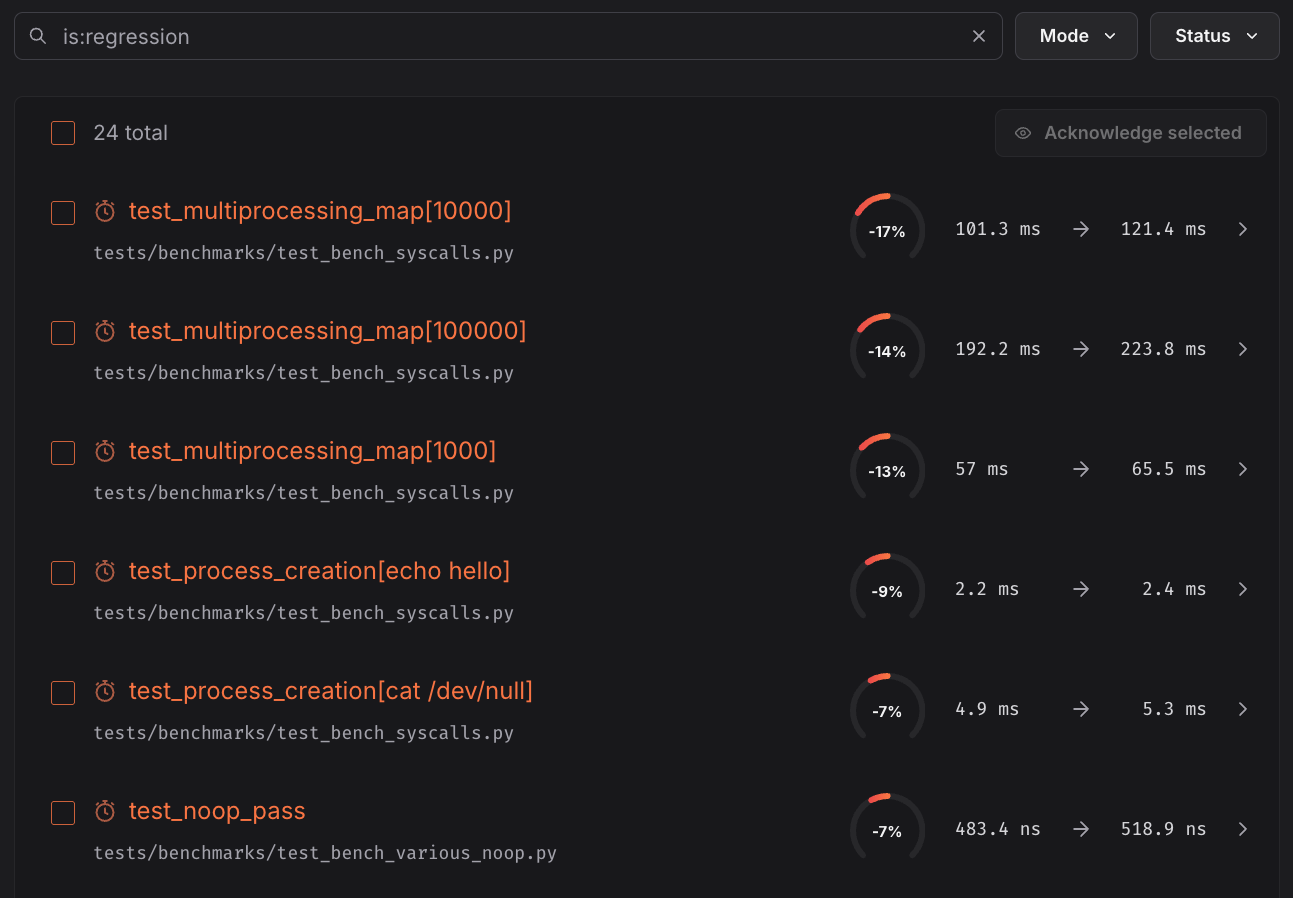
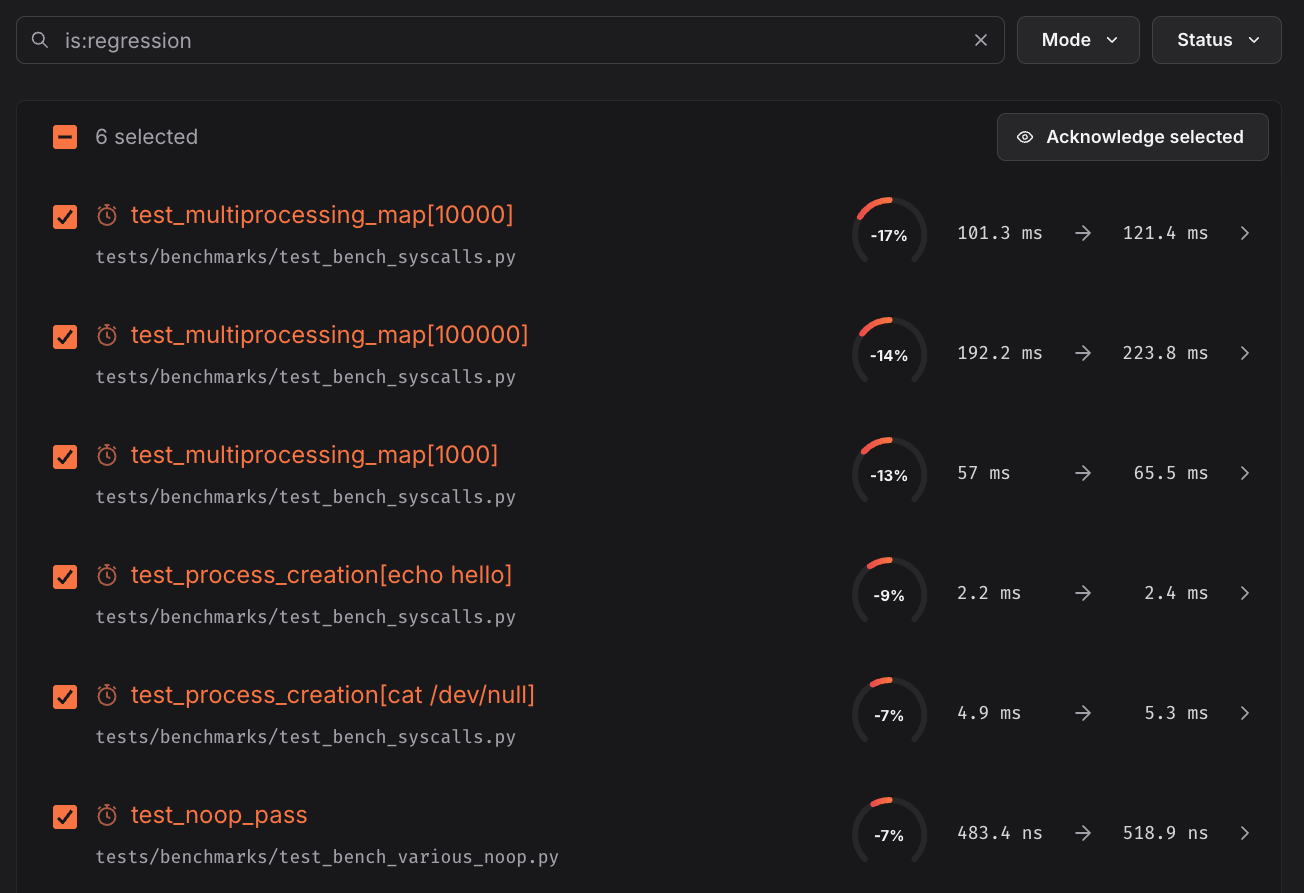
To acknowledge multiple benchmarks at once:Filter the benchmark list to show only regressions using the Status filter
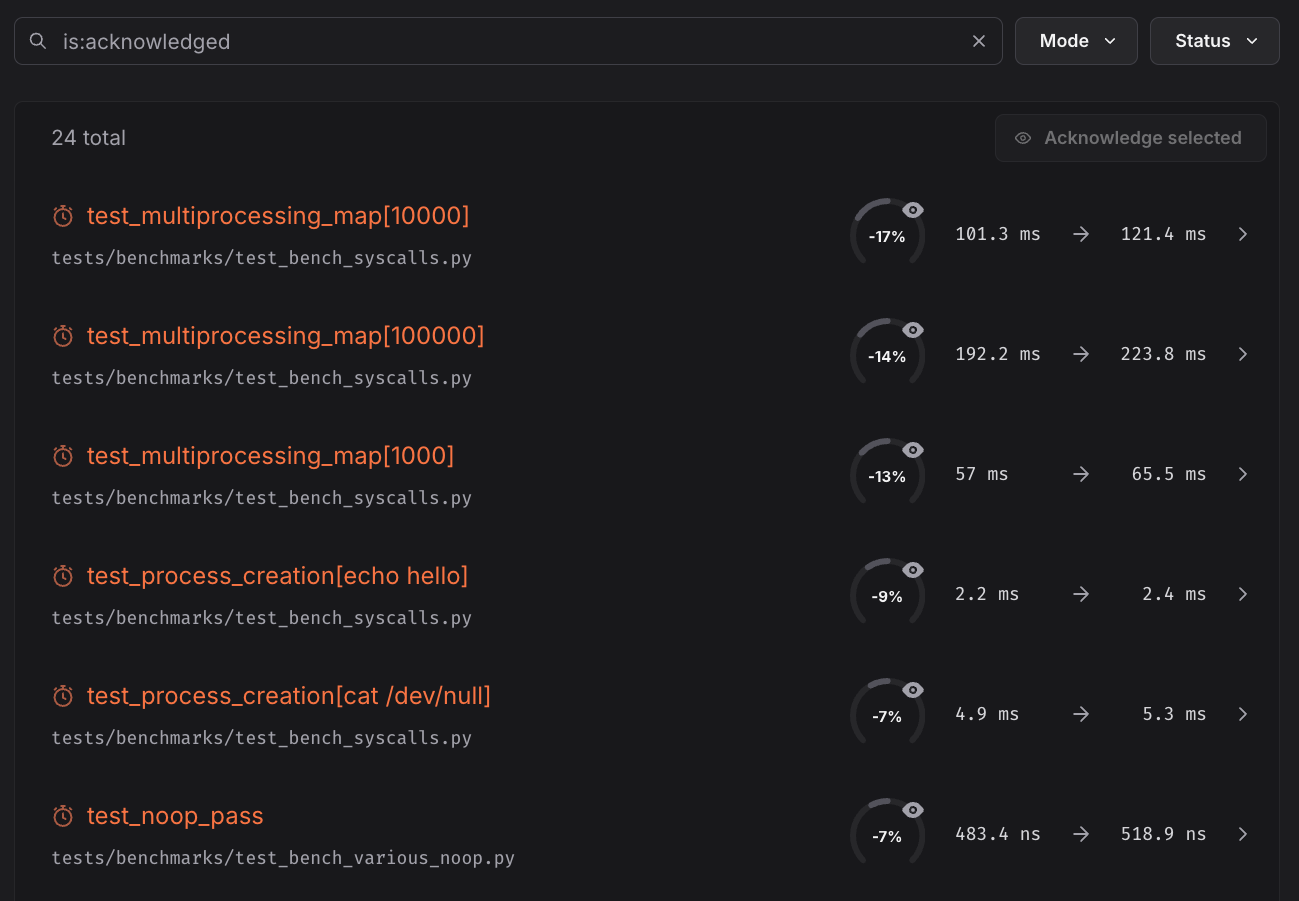
or by typing is:regression in the search bar:Select the benchmarks you want to acknowledge using the checkboxes:Click the Acknowledge selected button that appears in the list header and
that’s it 🎉 :