

Authentication
In order to upload benchmark results to CodSpeed, the GitLab CI job needs to authenticate with CodSpeed. There are two supported methods for authentication: OpenID Connect (OIDC) and static CodSpeed tokens.OIDC (Recommended)
CodSpeed recommends using OpenID Connect (OIDC) for authentication. Using this method, a token is generated on-the-fly during the workflow run. This token is then used to authenticate securely with CodSpeed without needing to store long-lived credentials, but grants no additional permissions to the workflow. Configure your GitLab CI job to use theCODSPEED_TOKEN as an OIDC token by
adding the following section to your job definition:
CodSpeed token (Legacy)
While we recommend using OpenID Connect (OIDC) for improved security, you can use a static CodSpeed token for authentication. Retrieve your CodSpeed token from your repository settings on CodSpeed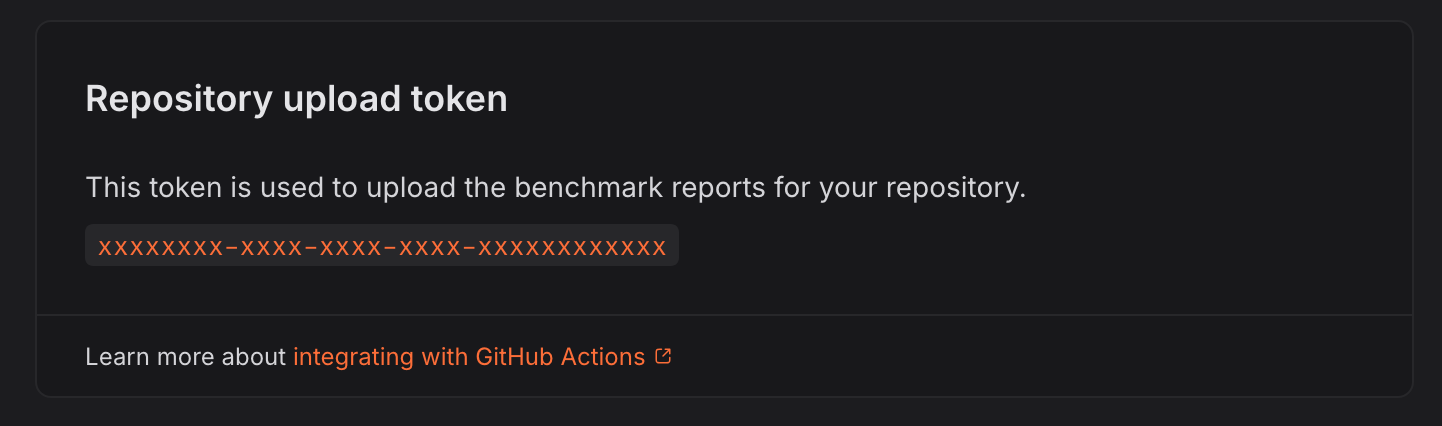
CODSPEED_TOKEN and the value of your token.
Set the 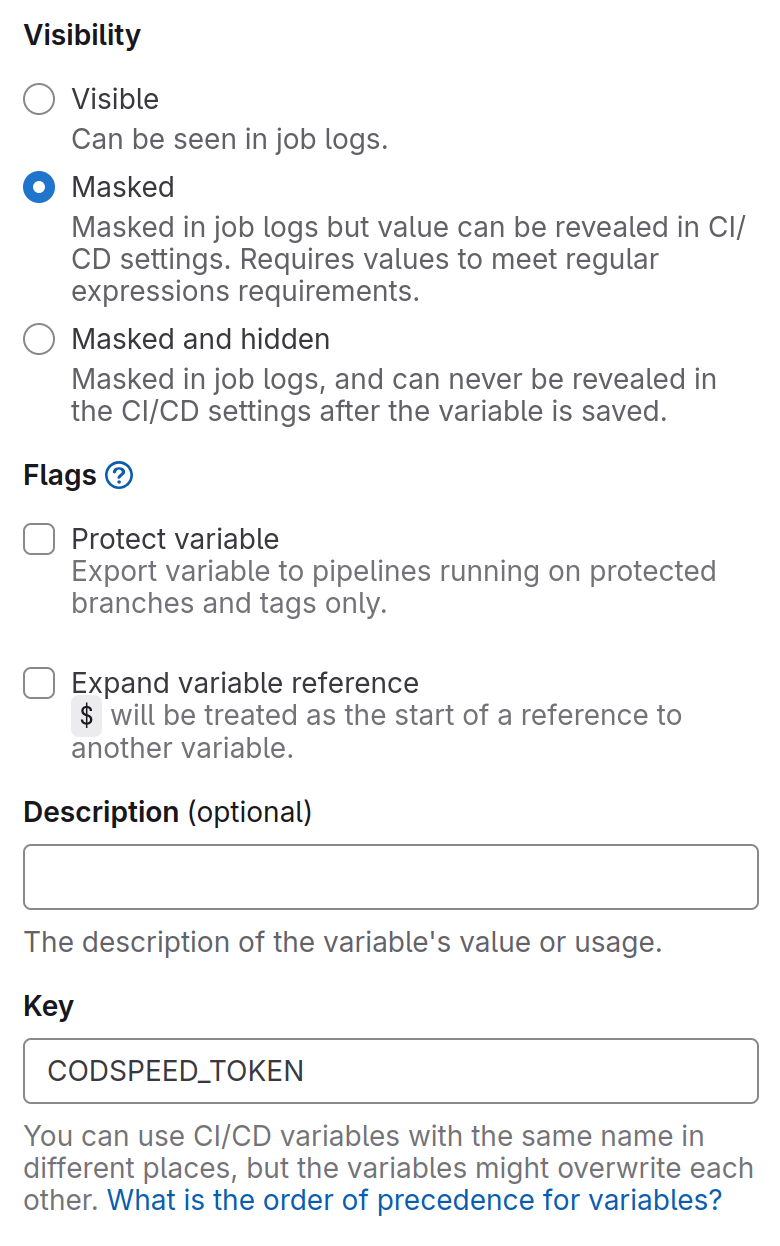
CODSPEED_TOKEN variable as "Masked", but not "Protected", because
it must be available on all branches.Advanced
Running benchmarks in parallel CI jobs
With GitlabCI, you can split your benchmarks across multiple jobs. For example withpytest. The --test-group options come from
pytest-test-groups,
which the benchmarks jobs need installed alongside your other dependencies:
.gitlab-ci.yml
CodSpeed only supports emitting results from your benchmarks if you split them
within a single CI workflow.If you run benchmarks in multiple CI workflows, CodSpeed will not be able to
aggregate the results correctly, and you may see incomplete or missing data in
your CodSpeed reports.